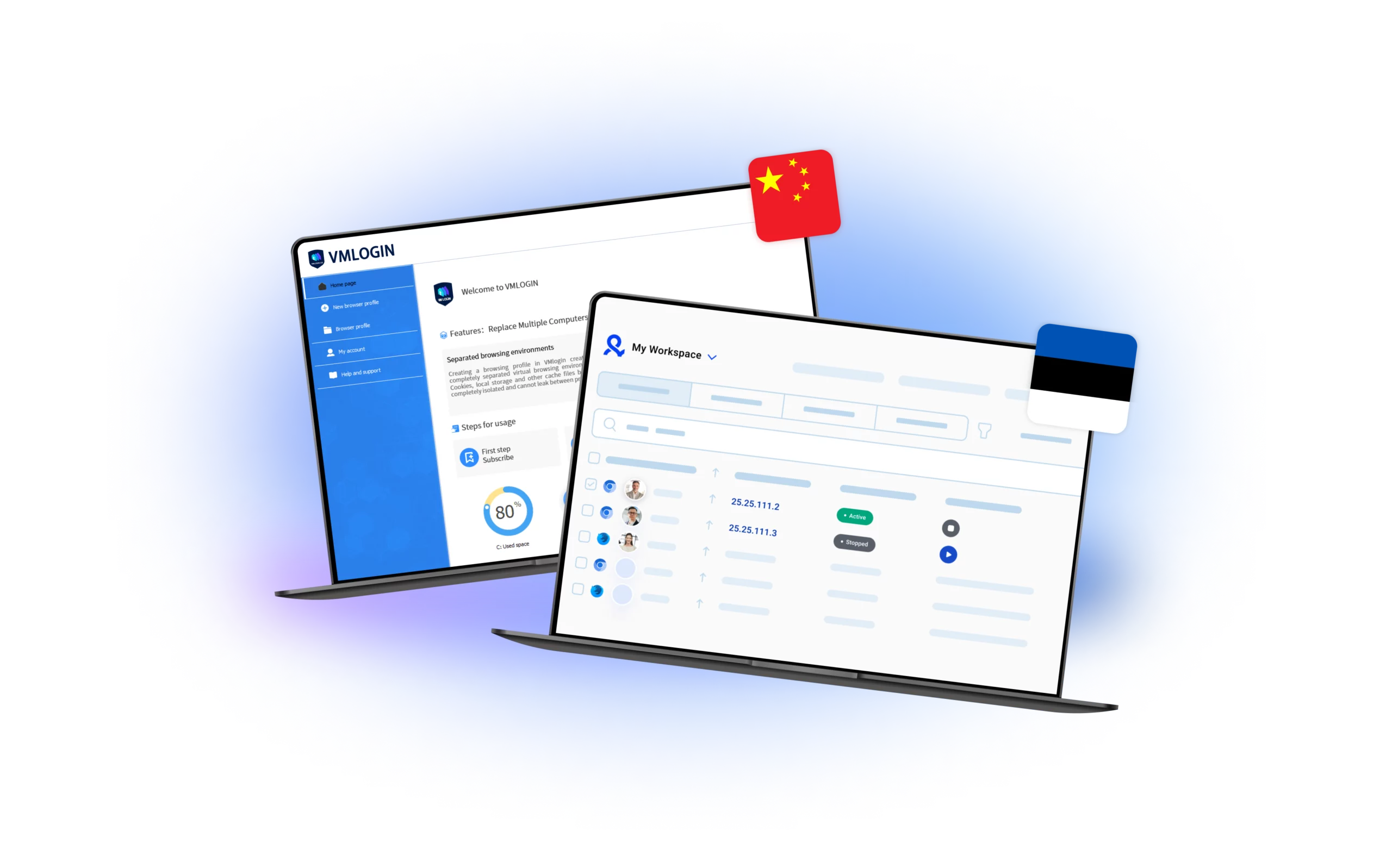
VMLogin, a three-year-old “anti-detect” browser born in Shenzhen in 2021, tackles a problem digital-first businesses know too well: every login, cookie and canvas fingerprint can tie multiple accounts back to a single real device. According to the company’s own “About Us” page it already services “millions of users,” a claim impossible to audit but big enough to put the brand on the same radar as long-time rivals Multilogin and GoLogin.
VMLogin at a Glance
Unlike privacy-focused browsers such as Brave or Tor, VMLogin isn’t trying to make you invisible; it is trying to let you look like thousands of completely different, perfectly normal visitors at once. Each “virtual browser profile” emulates a separate OS-and-hardware stack – right down to WebGL info and audio fingerprints – so that an Amazon seller can hop between regional storefronts, or a social-media agency can juggle 50 Facebook pages, without triggering platform fraud filters. The company claims, and this review also points out, that each profile runs in a container with “100 percent security isolation,” protecting cookies, local storage and cache from flowing to the next profile.
Why Enterprises Care
The market drivers are mostly financial. A suspended TikTok ad account can wipe out a week’s revenue; an e-commerce merchant managing ten “child” stores risks losing them all if one browser fingerprint leaks. By letting staff spin up as many isolated identities as needed – each tied to its own proxy and geolocation – VMLogin helps agencies and sellers keep campaigns alive and compliant with platform terms. A December 2024 competitive review by Multilogin’s own blog conceded that VMLogin “has gained a reputation for its focus on functionality and privacy,” especially among affiliate marketers handling dozens of simultaneous Facebook or Google Ads identities.
Real-World Use Cases
Cross-border sellers on Amazon, eBay and Shopee rely on VMLogin to price-test listings in multiple regions without getting shadow-banned. Social-media marketers spin up country-specific Instagram personas to A/B-test creatives. Ad-fraud researchers scrape display networks in real time, rotating browser fingerprints to see which creatives land in which geos. Even data-collection teams use the tool’s profile API to orchestrate hundreds of headless sessions for sentiment analysis, swapping IPs through SOCKS5 gateways as they crawl. VMLogin’s own documentation highlights bulk account management for Facebook, Twitter, Google and TikTok – platforms that collectively block billions of “suspicious” requests per day – and says the antidetect approach cuts hardware costs by replacing “multiple computers or VPS” with one desktop running many profiles.
Under the Hood: Key Features
VMLogin’s core asset is its fingerprint engine. Users can randomize – or manually pin – every parameter that modern risk-scoring checks: user-agent strings, canvas hashes, WebRTC routes, even battery status. In tests recorded by third-party reviewers, a properly tuned profile scores as a fresh user on services like Pixelscan or BrowserLeaks, though the lack of mobile emulation still limits campaigns that target Android-only or iOS-only traffic.
Beyond spoofing, the browser offers encrypted local storage for profile archives, optional password locks per profile, and a REST-style local API that lets developers create and launch a profile with a single /api/v1/profile/create_start call – handy when you need to spin up 200 sessions for a Black-Friday flash sale. Team collaboration, introduced quietly last year, lets users share selected profiles while keeping cookies compartmentalized, though support remains nine-to-five China Standard Time rather than 24/7.
Automation and Proxy Integration
The platform itself ships proxy-agnostic: users plug in their own HTTP, HTTPS or SOCKS5 nodes. That means higher operational overhead but also freedom to rotate residential or mobile IPs from any provider. Selenium and Puppeteer scripts run unmodified inside each profile, so growth-hackers can reuse existing automation stacks; native captcha-solver hooks for external services such as CapSolver and CaptchaAI round out the task stack.
Getting Started
Registration takes less than a minute: enter an email, pick a password and click the verification link. New accounts unlock a three-day free-trial tier capped at five local or cloud profiles – enough to test fingerprint integrity against your target platform. To move into production, most agencies jump to the $99-per-month “Team 5” plan, which raises the ceiling to 100 profiles; the top-end $499 plan lifts it to 1,000 profiles and adds API concurrency. VMLogin insists that billing is month-to-month, and a refund is available only if the service “fails to run,” a clause buried deep in its ToS.
Setting up the first environment is straightforward: click “New Profile,” choose a base OS – Windows, macOS, or Linux – toggle audio, WebRTC and canvas settings, then paste your proxy host:port and credentials. The interface previews the resulting fingerprint so you can keep an eye on anomalies such as mismatched time zones or GPU strings. Power users instead hit the local API, pipe base64-encoded profile configs from a JSON template, and launch hundreds of containers in parallel.
Outlook
In a market where bans translate directly into lost revenue, VMLogin offers a pragmatic middle ground: more control than a consumer VPN, less lock-in than enterprise bot-defense suites. It still lacks in-house proxy pools, mobile device emulation and round-the-clock live chat – features its larger rivals promote heavily – but the roadmap shows quarterly updates and, according to support staff, a planned Android stub by year-end. For growth teams that value fingerprint depth over glossy dashboards, VMLogin’s blend of isolation, automation hooks and pay-as-you-go pricing makes it a contender worth a serious test drive.