
Business cards remain one of the quickest ways to share contact information and establish a professional identity. Even in a digital-focused world, they build trust and create a lasting first impression. The downside is speed; traditional design and printing can take days or even weeks.
That’s why online tools have become the popular choice. Platforms like Design.com, BrandCrowd, Canva, and VistaPrint now allow you to design and order business cards in minutes instead of days.
Here are the best options if you need business cards fast.
Best Platforms for Fast Business Card Creation
Modern business card tools emphasize speed, simplicity, and ready-to-use templates. Most platforms now offer design and printing services in one place. This eliminates the need for separate designers or print shops.
The best tools also provide customization options, enabling users to align their brand identity quickly without complicated design work.
Design.com
Design.com is one of the fastest and most comprehensive platforms for creating business cards. It combines AI design tools with professional templates and instant export options.
Speed
- Create business cards in minutes
- Instant template selection and editing
- Fast export and download options
- Real-time preview for quick adjustments
Design Quality
- Professionally designed business card templates
- Clean, modern layouts ready for branding
- Suitable for all industries and business types
- High-resolution output for printing
Quantity of Options
- Large library of business card templates
- Various styles, including minimal, corporate, and creative
- Updated design collection
- Layouts tailored to specific industries
AI Features
- AI-assisted design suggestions
- Smart adjustments for layouts
- Automated branding consistency
- Easy customization for non-designers
Why Design.com?

Design.com is perfect for users seeking both speed and quality. It allows quick design of professional business cards while providing full control over customization and branding.
BrandCrowd
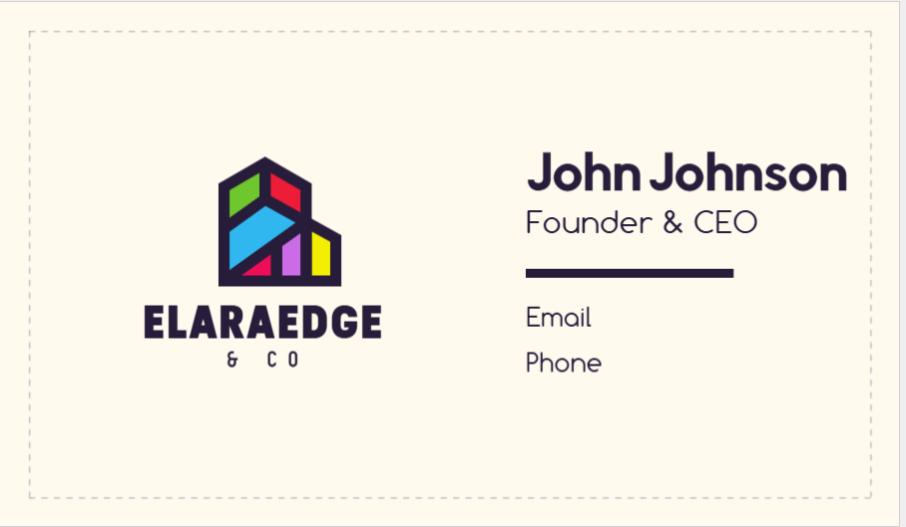
BrandCrowd is a solid branding platform that offers business card creation while focusing on consistency and design quality.
Speed
- Fast template-based design system
- Quick editing with instant previews
- Simple workflow for beginners
- Easy export options
Design Quality
- High-quality, professional layouts
- Strong emphasis on branding consistency
- Clean typography and structured designs
- Suitable for both business and personal branding
Quantity of Options
- Large selection of templates
- Integrated branding assets like logos and colors
- Many design styles tailored to specific industries
- Flexible customization options
AI Features
- AI logo integration for consistent branding
- Smart design suggestions
- Automated style matching across assets
- Easy personalization tools
Why BrandCrowd?
BrandCrowd is best for users looking for business cards that reflect their overall brand identity. It works especially well if you’re already using it for logos and other branding assets.
Canva
Canva is one of the most popular design tools for quickly and easily creating business cards.
Speed
- Drag-and-drop editor for fast design
- Thousands of ready-made templates
- Quick customization with simple tools
- Instant downloads after editing
Design Quality
- High-quality, modern templates
- Suitable for personal and professional use
- Strong visual design flexibility
- Easy brand alignment with colors and fonts
Quantity of Options
- Huge library of templates and design elements
- Wide range of fonts, icons, and graphics
- Multiple design styles available
- Regularly updated content library
AI Features
- AI-assisted design suggestions
- Smart resizing and layout tools
- Background remover and quick editing features
- Automated design improvements
Why Canva?
Canva is ideal for users who want complete creative control and an easy-to-use interface. It’s especially helpful for beginners and small businesses.
VistaPrint
VistaPrint specializes in design and professional printing, making it a strong option for physical business cards.
Speed
- Quick design and ordering process
- Ready-to-print templates available
- Fast checkout and delivery options
- Simple steps for customization
Design Quality
- Professional templates focused on printing
- Clean, corporate-style designs
- High-quality physical print results
- Reliable production standards
Quantity of Options
- Large selection of business card styles
- Various paper types and finishes
- Multiple printing customization options
- Templates for specific industries
AI Features
- Basic smart design recommendations
- Automated layout suggestions
- Guided customization tools
- Easy setup for branding
Why VistaPrint?
VistaPrint is ideal for users who need physical business cards delivered quickly. It focuses more on printing than on advanced design tools.
Comparison Chart
| Platform | Speed | Design Quality | Quantity of Templates | AI Features | Customization | File Formats | Printing |
| Design.com | Very fast | Professional and modern | Very high | Advanced AI tools | Full and flexible editing | PNG, JPG, SVG, EPS, PDF | Available |
| BrandCrowd | Fast | Brand-focused and polished | High | Strong AI branding | Easy and structured | Multiple + vector files | Available |
| Canva | Fast | Creative and flexible | Very high | Smart AI features | Highly customizable | PNG, JPG, PDF, limited SVG | Available |
| VistaPrint | Moderate | Print-focused quality | High | Basic AI tools | Limited customization | Print-ready formats | Strong printing service |
Final Verdict
Each platform offers a unique solution for fast business card creation. Design.com is the top overall choice due to its speed, AI tools, and professional templates. BrandCrowd works great for consistent branding. Canva is perfect for those seeking creative flexibility and easy design control. VistaPrint stands out for fast, reliable printing and physical delivery.
If you need business cards quickly without losing quality, Design.com is the best all-in-one solution.