Most people meet video editing as a timeline: clips laid end to end, trimmed by hand and checked frame by frame. Assisted editing quietly reorganises that sequence. The footage still arrives the same way, but the first pass no longer begins with you hunting for the usable seconds. Something reads the material first, and what comes back is a description of what is in it rather than a strip of pictures to search through. That single change is what makes everything afterwards quicker. The process breaks into three stages: understanding the footage, making the changes, and handing the work back in a form you can still adjust. None of them is hidden, and knowing what happens in each one makes the result far easier to predict.
Reading the Footage
What the Clip Is Broken Into
Before anything can be changed, the material has to be understood. The video is separated into its individual frames, and those frames are grouped into the stretches where something is actually happening: a person walking into view, a cut, a change of camera angle. Sound is treated as its own layer, so speech, background noise and silence can be considered separately. By the end of this stage the clip is no longer one continuous file, but a description of what is in it, when, and for how long. That description is what everything afterwards works from, and its accuracy decides how well the later steps go. It is also why footage that was shot cleanly tends to come back cleanly: there was simply more for the first stage to read.
What Gets Recognised
What gets picked out at this stage is more specific than most people expect: the edge of a subject, the difference between a face and the wall behind it, the point where one shot ends and the next begins. Speech is turned into text with timings attached, which is why captions and searching both work afterwards. Movement is tracked rather than guessed, so a person crossing the frame keeps their position relative to everything else. None of this is judgement but identification, and it is what makes the later steps possible. Where the footage is ambiguous, the reading stays cautious rather than confident, and that caution shows up later as edits that stop short of what you were hoping for.
Making the Changes
The Edits It Can Carry Out
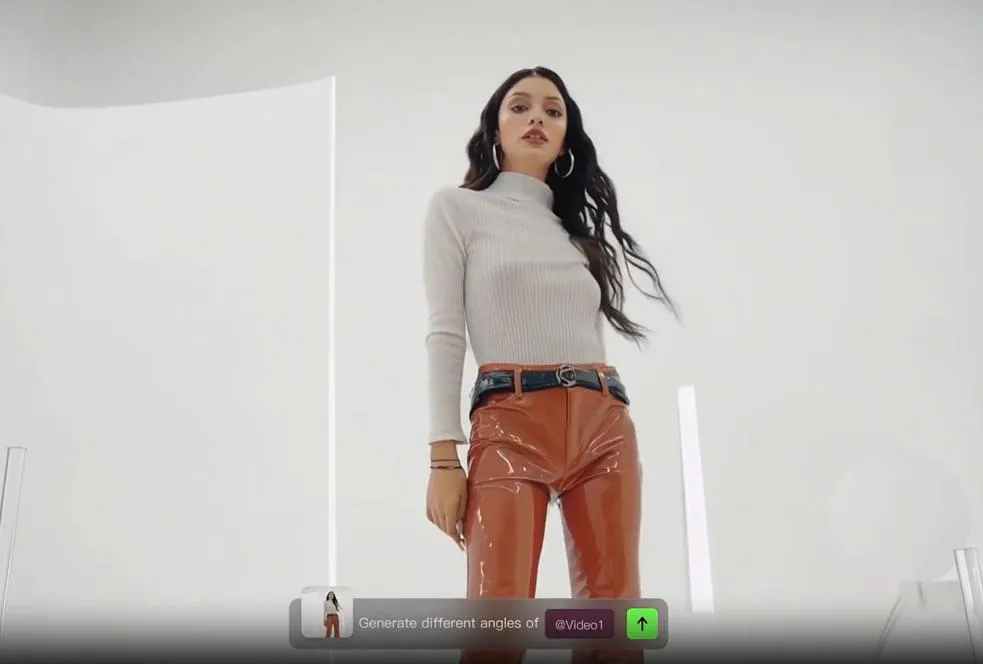
Once the clip has been described, the edits that follow are chosen from what that description allows. An ai video editor can tighten pauses, drop the takes that add nothing, match colour between shots recorded at different times, and hold audio at a consistent level throughout. Because the subject has already been separated from the background, changes can be made to one without disturbing the other. The same description makes it possible to rework the framing, shift what sits in the shot, or carry a scene a few seconds past where it originally ended. What matters is that these are operations applied to footage that already exists; nothing is invented from nothing, which is why the result still looks like the day you shot it.
The Creative Room AI Gives You
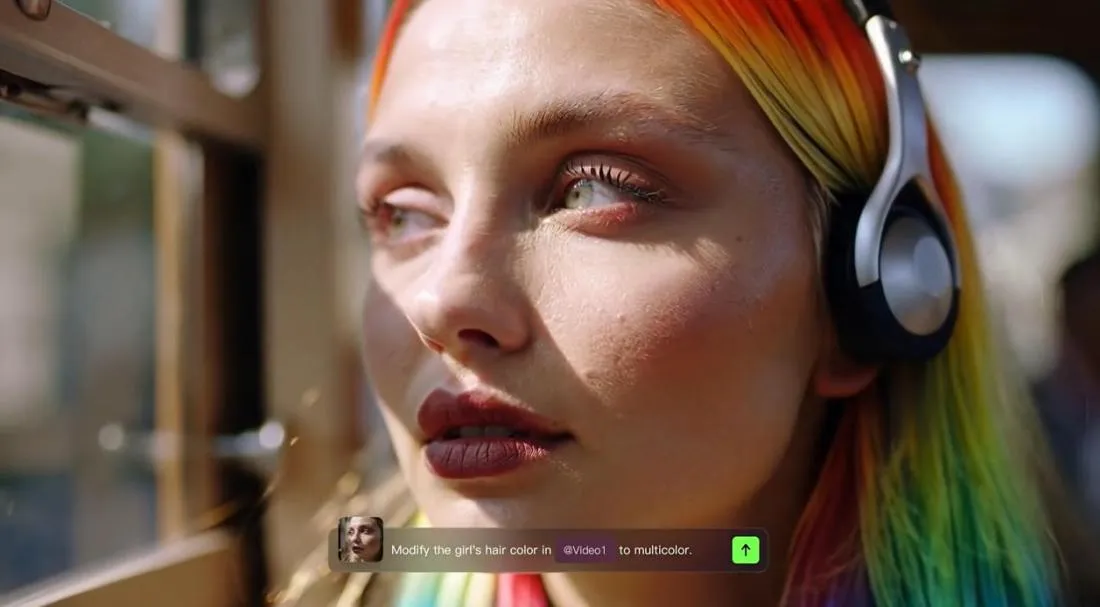
The edits above free the creative work from the mechanical kind. With trimming, colour matching and audio levelling already handled, the time that would have gone into them can go into choices instead: which take carries the point, how the pacing should feel, where the ending should land. AI can help here too, reframing a shot, changing subjects, backgrounds and style, or extending a scene beyond the original recording. These open options that would once have taken hours, and the creative decisions are still yours to make. They simply arrive sooner, because the rest is already done.
Handing It Back to You
Checking What Came Out
The result arrives as an ordinary video file, which is the point: it opens in whatever you already use. Checking it is still a human job, and it goes faster if you know what tends to need attention, such as the first and last second of any trimmed shot, the moments where two clips meet, and anything involving text on screen. Watching once at full speed tells you whether the whole thing holds together, and the slower pass is only for the parts that drew your eye. Keeping the original alongside the new version costs nothing and makes the comparison honest, because a difference is far easier to judge side by side than from memory.
Knowing When to Step In
Stepping in is not a failure of the process but where the process expects you. The judgement that stays with you is the judgement about meaning: which take carries the point, whether the pacing suits the audience, whether the ending lands. Those decisions cannot be read from the footage itself. A practical way to work is to let the first pass remove everything mechanical, then spend your own time on the choices that were never mechanical to begin with. The shift is from assembling to deciding, and it changes what a first draft means: something complete enough to react to, rather than something finished. Reactions are easier to give than instructions, and they arrive sooner.
Conclusion
The machinery handles identification and repetition; the person handles intent. Knowing which is which turns an unfamiliar tool into a predictable one, and it makes the time saved show up where it matters, in the decisions rather than in the trimming. The best workflows are the ones where the machine and the person each stay in their lane, and the boundary between them is clear from the first minute. Set that boundary once, review it after the first few projects, and the tool becomes an extension of intention rather than a distraction from it. The projects that finish fastest are the ones where the division of labour was agreed before the first clip was imported, and that agreement is worth writing down.