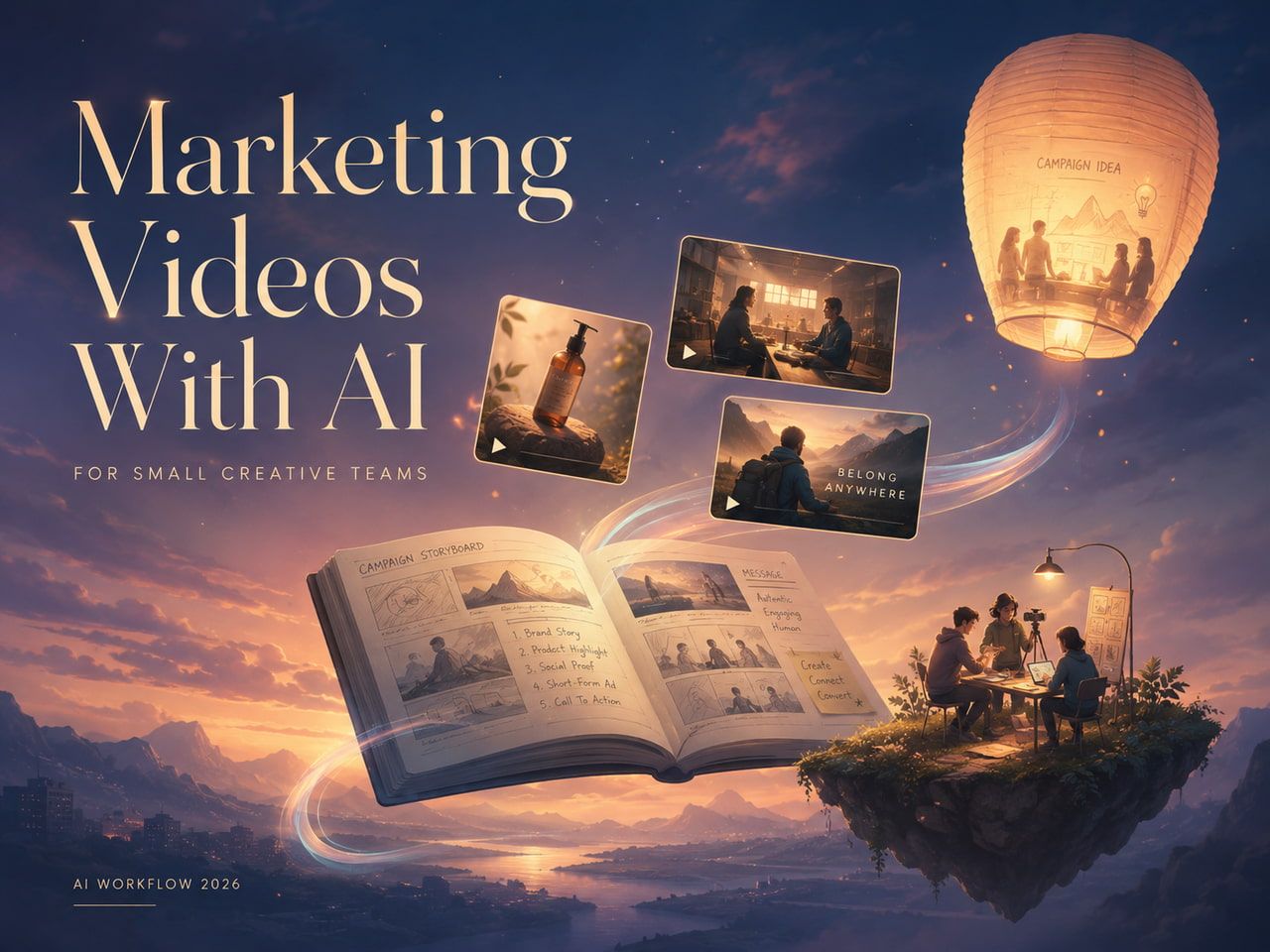
Small marketing teams often have enough product photos to launch a store, update a landing page, or post on social media. What they do not always have is a steady supply of short video concepts for paid social and organic testing. That gap matters because buyers now see products in feeds where motion, pacing, and a clear first second can influence whether they stop scrolling.
AI video tools are useful when they are treated as a fast creative testing layer, not a replacement for strategy or production judgment. A team can start with a product image, test several visual directions, and then spend more time only on the ideas that show promise.
Why Static Product Assets Need a Testing Workflow
A product photo can explain shape, color, and packaging. A short video can test something different: how the product fits into a routine, what a transformation might feel like, how a feature is revealed, or which visual hook makes the offer easier to understand.
For small teams, the challenge is speed. A traditional video shoot may still be the right choice for a final campaign, but it is expensive to use that process for every early idea. Before booking a shoot or building a polished edit, marketers need a way to compare concepts quickly.
Start With One Product Image and One Message
The most practical workflow begins with a clean product image and a single message. If the starting image is cluttered, the video concept can become unclear. If the message tries to cover every benefit, the test will not show which idea actually moved the audience.
A better approach is to build each video variation around one job. One clip might show texture or material. Another might test a lifestyle scene. Another might focus on a before-and-after moment, a seasonal use case, or a simple product benefit.
Use AI Video to Explore Concepts Before Full Production
AI-assisted video generation helps teams move from still assets to motion concepts without waiting for a complete production cycle. For example, an ecommerce brand can turn a product photo into several short ad directions for Reels, TikTok, Shorts, or Meta placements. A service business can test whether an animated visual makes an offer easier to understand. A creator can compare different pacing styles before committing to a final edit.
Tools like ImageTo.Video handle this step in the browser, which keeps the loop fast for small teams testing product-image-to-video ideas.
Design Each Clip for the Placement
A concept that looks useful on a desktop preview may not work in a mobile feed. Before generating variations, the team should decide where the clip will appear. A vertical short-form ad needs a different opening than a landing page hero video. A retargeting ad can assume more context than a cold prospecting ad.
Useful review questions include: Is the product recognizable in the first second? Can the message work without sound? Does the motion support the product instead of distracting from it? Will the clip need captions, cropping, or a stronger hook before publishing?
Keep Human Review in the Loop
AI can accelerate production, but it should not remove judgment. Every generated video should be checked for product accuracy, brand consistency, and honest presentation. If a generated clip changes the product shape, exaggerates a result, or creates a scene the business cannot support, it should be revised or discarded.
This review step is especially important for ads. A fast concept can still create customer confusion if it overpromises or shows the product in an unrealistic context. The best use of AI is to create more options for a team to evaluate, not to remove accountability from the creative process.
Build a Repeatable Creative Loop
The strongest benefit of AI video generation is not one impressive clip. It is the ability to build a repeatable loop: choose a product, create several concepts, match each concept to a clear hook, test the strongest versions, and improve the ideas that attract real interest.
Over time, this process helps a business learn what customers notice. Some audiences respond to lifestyle scenes. Others respond to close-up product details, clear benefit statements, or simple demonstrations. A faster creative loop gives teams more evidence before they invest in polished production.
Final Thoughts
AI video generators work best when they are used with a clear brief and a practical review process. They help small teams test more ideas from the assets they already have, while still leaving room for human judgment, brand standards, and final editing.
For teams that rely on product images, this can make video testing less intimidating. Instead of waiting until a perfect campaign is ready, they can learn from smaller creative experiments and use those lessons to build better ads, product pages, and social content.